Welcome to Thunderbird!
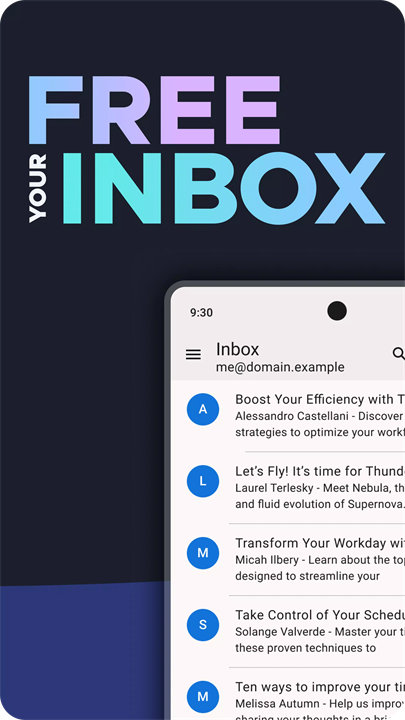
Thunderbird is a free, open-source, and privacy-focused email application that enables users to manage multiple email accounts in one place. With features like a unified inbox, strong encryption, and no ads or data tracking, Thunderbird is designed to give you full control over your communications. Developed by the Mozilla-backed MZLA Technologies Corporation, Thunderbird is trusted by millions of users worldwide and supported entirely by community contributions. Download Thunderbird now!
Key Features:
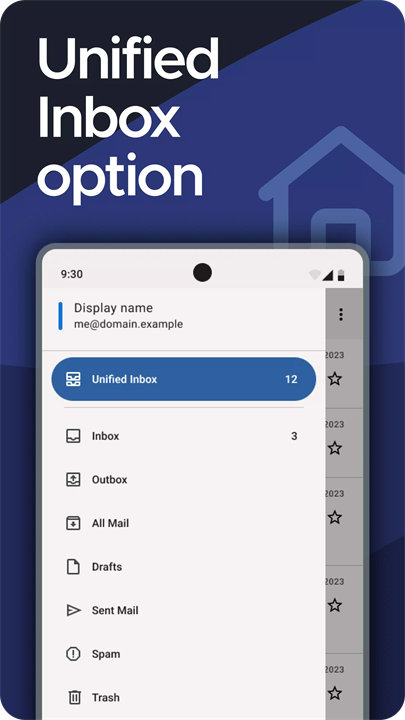
Unified Inbox:
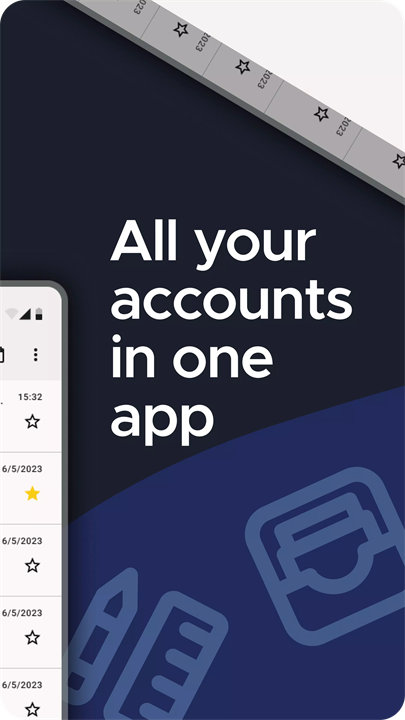
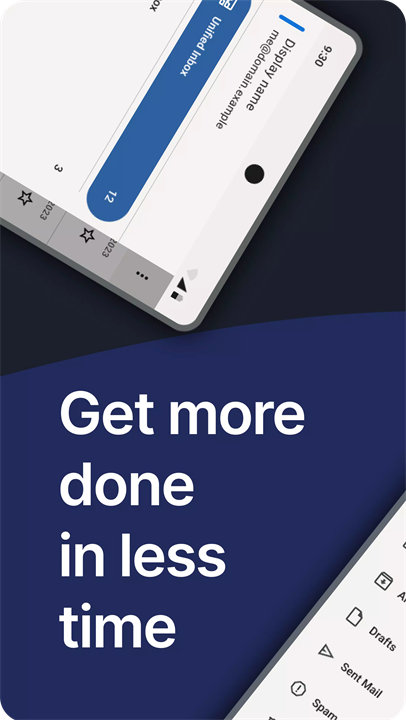
Manage multiple email accounts (Gmail, Outlook, Yahoo, iCloud, etc.) within one app. The optional Unified Inbox feature helps streamline email management across all your accounts.
Privacy First:
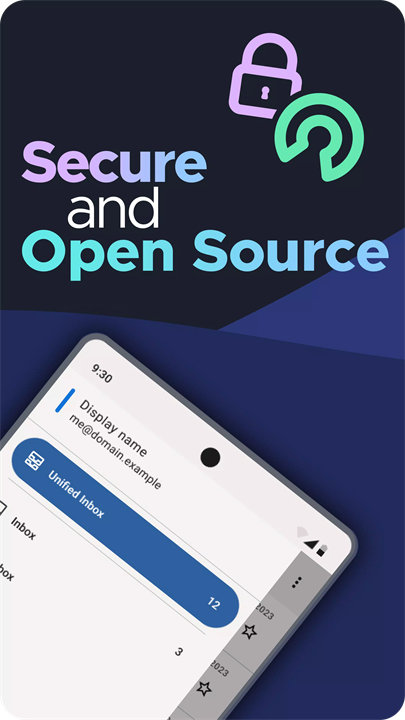
Thunderbird does not collect or sell your data. All your emails are connected directly through your provider. The app is entirely ad-free and user-supported.
End-to-End Encryption:
Secure your communication with OpenPGP encryption (PGP/MIME), integrated through the OpenKeychain app. Encrypt and decrypt emails for added confidentiality.
Customizable Syncing:
Choose how and when your emails sync—instantly, periodically, or only when you check manually.
Advanced Search:
Search through messages using both local and server-side options for fast, accurate results.
IMAP & POP3 Support:
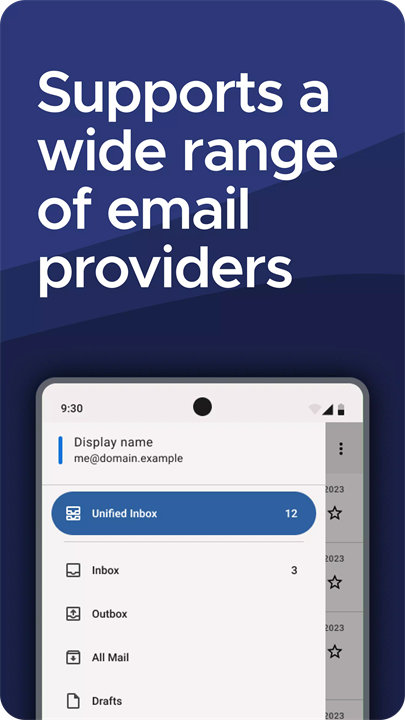
Compatible with major email services using IMAP or POP3, so you can keep your current providers and still use Thunderbird.
Community-Driven Development:
Open-source and developed transparently, with contributions from volunteers around the world.
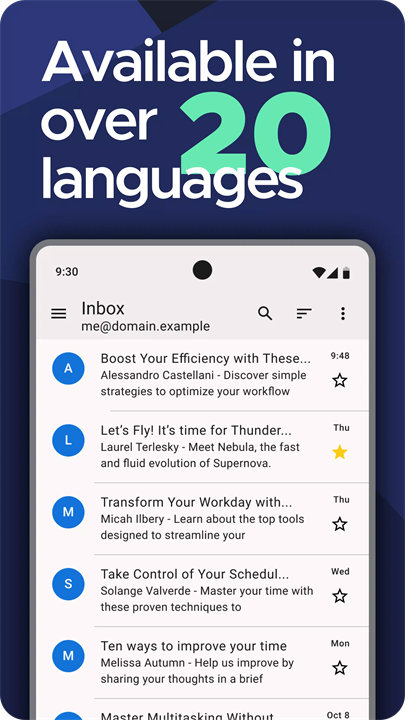
Multilingual Support:
Thunderbird is translated into 20+ languages and is accessible to users globally.
Top 5 FAQs on Thunderbird:
1. Q: Is Thunderbird really free and ad-free?
A: Yes, Thunderbird is completely free and open source. It’s funded by user donations and does not include any ads or paid upgrades.
2. Q: Can I connect multiple email accounts to Thunderbird?
A: Absolutely! You can add as many email accounts as you like and even use the Unified Inbox feature to manage them all in one place.
3. Q: Does Thunderbird support email encryption?
A: Yes. Thunderbird supports OpenPGP email encryption. You can use it in combination with the OpenKeychain app for secure, end-to-end encrypted communications.
4. Q: Is Thunderbird compatible with my existing email service?
A: Thunderbird works with any email service that supports IMAP or POP3 protocols—this includes Gmail, Outlook, Yahoo Mail, iCloud, and others.
5. Q: Can I use Thunderbird on mobile devices?
A: Yes! Thunderbird is now available for Android, and there are plans to extend its support further. You can also pair it with Thunderbird Desktop for a seamless cross-platform experience.
<3
Version History
v9.0——13 Mar 2025
Thunderbird for Android version 9.0, based on K-9 Mail. Changes include:
- Basic support for Android 15
- Add a link to the support article when signing in with Google
- Account setup attempts email provider's autoconfig first, then falls back to ISPDB
- Updated translations for multiple languages
- The changelog now properly displays release versions
- A wrong translation of the app name has been fixed
- Dependencies have been updated to fix a couple of bugs